To copy tests in the Classic Version of ESGI, please go to the instructions in this article here.
Overview
It is possible to author and modify tests in ESGI by copying them. Please follow the step by step instructions bel
1. Click the “Test Explorer” button once you log into your account.
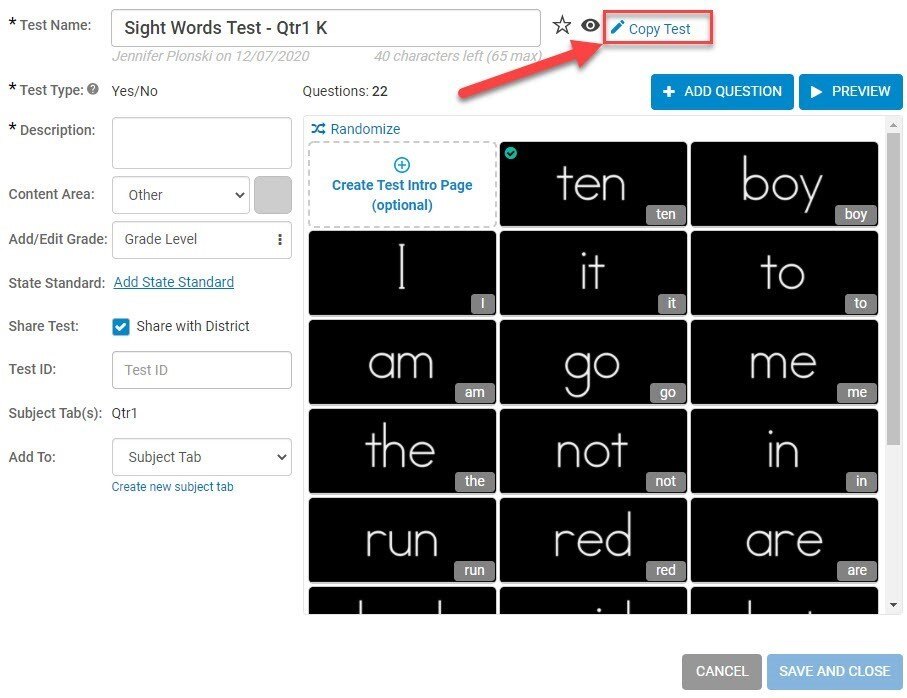
2. Find the test you want to copy and click on the test name. Then click on the “Copy Test” link.
Image 1
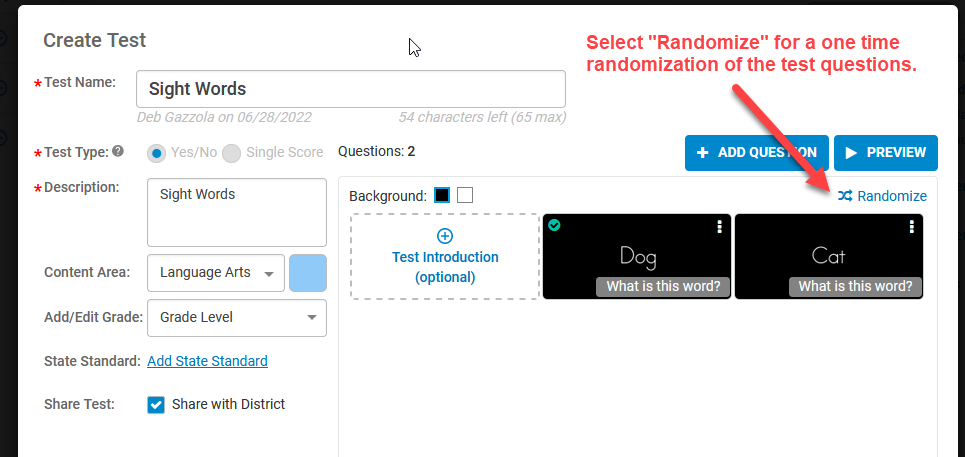
3. Select “Randomize” for a one-time randomization of the test questions (optional)
Image 2
4. The name of the test will default to the original test name with "(copy)" after it. Rename the test, if desired, then click "Save".
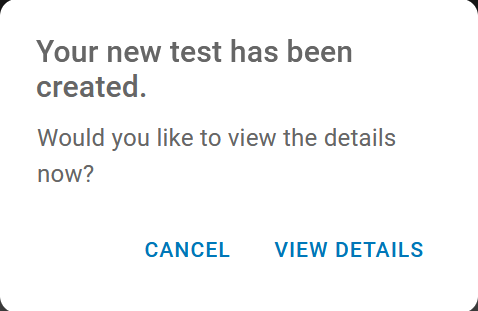
5. An option will be displayed to view the details of the test. At any time, they can be edited by following the instructions on our edit the test Support Page.
Image 3
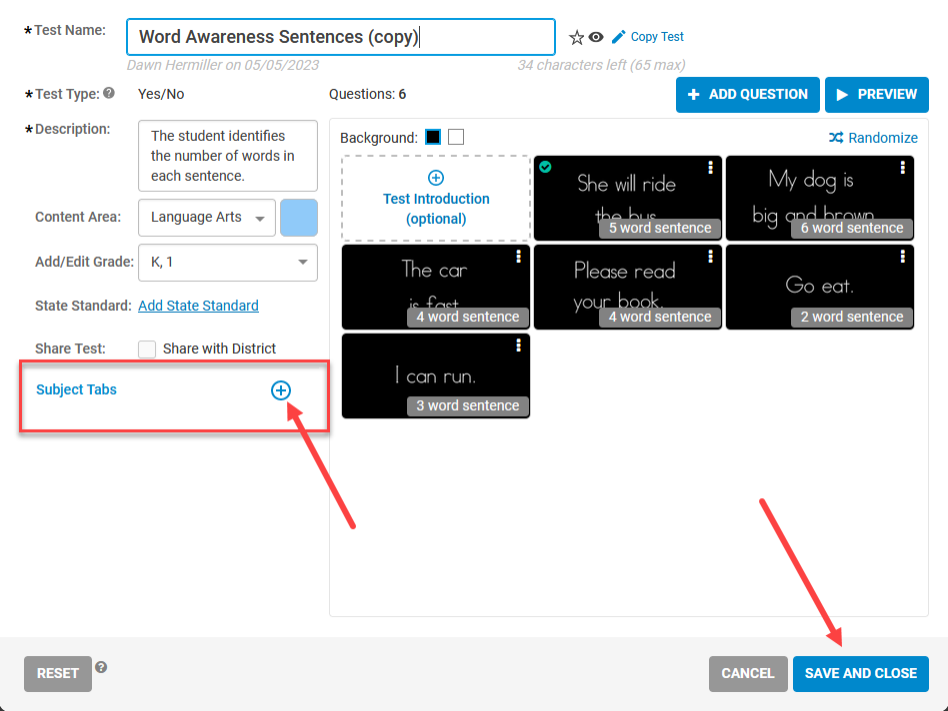
6. Remember to add the test to a Subject Tab so it appears on your Home Screen!
Image 4